
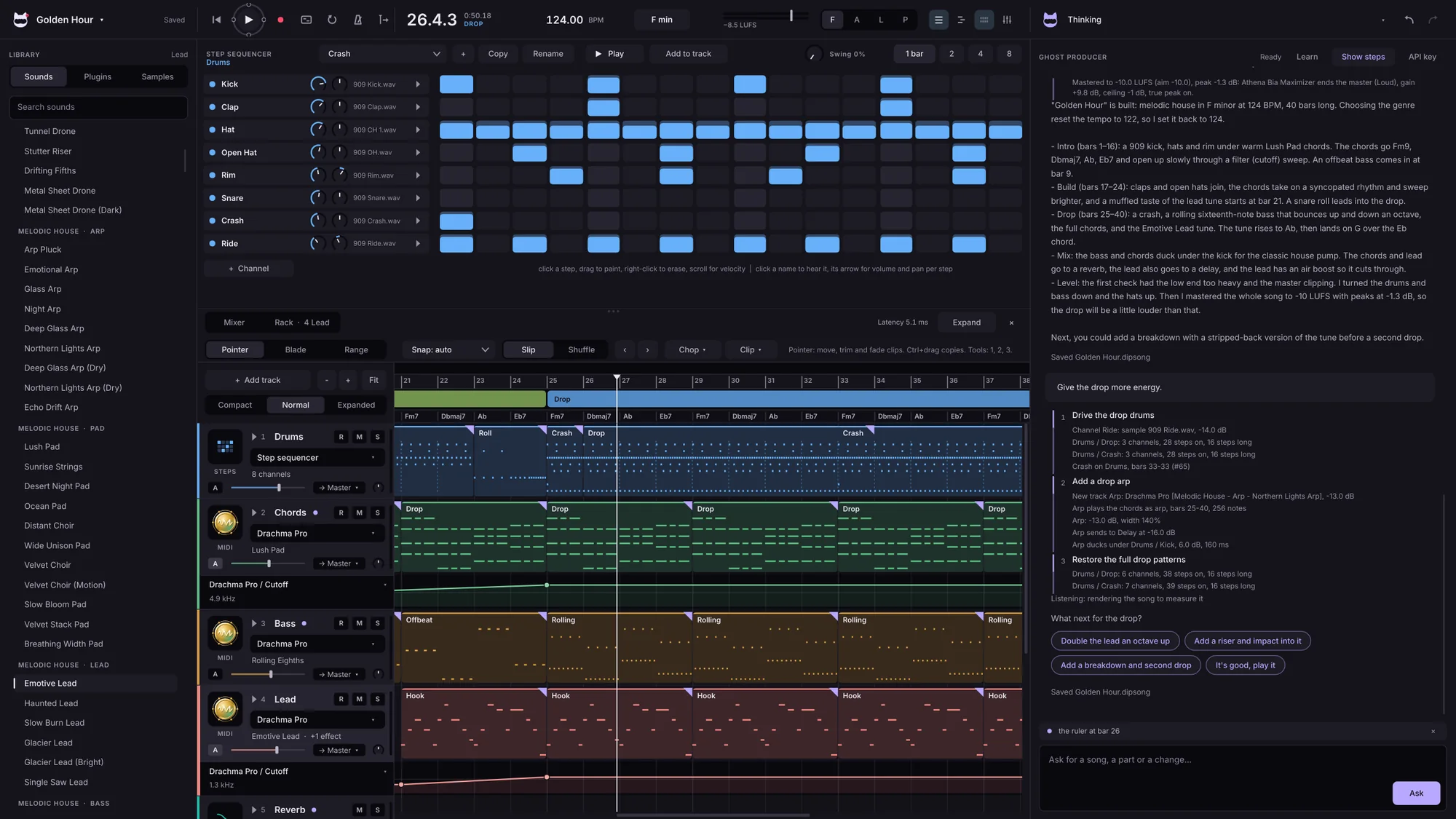
Beat-first
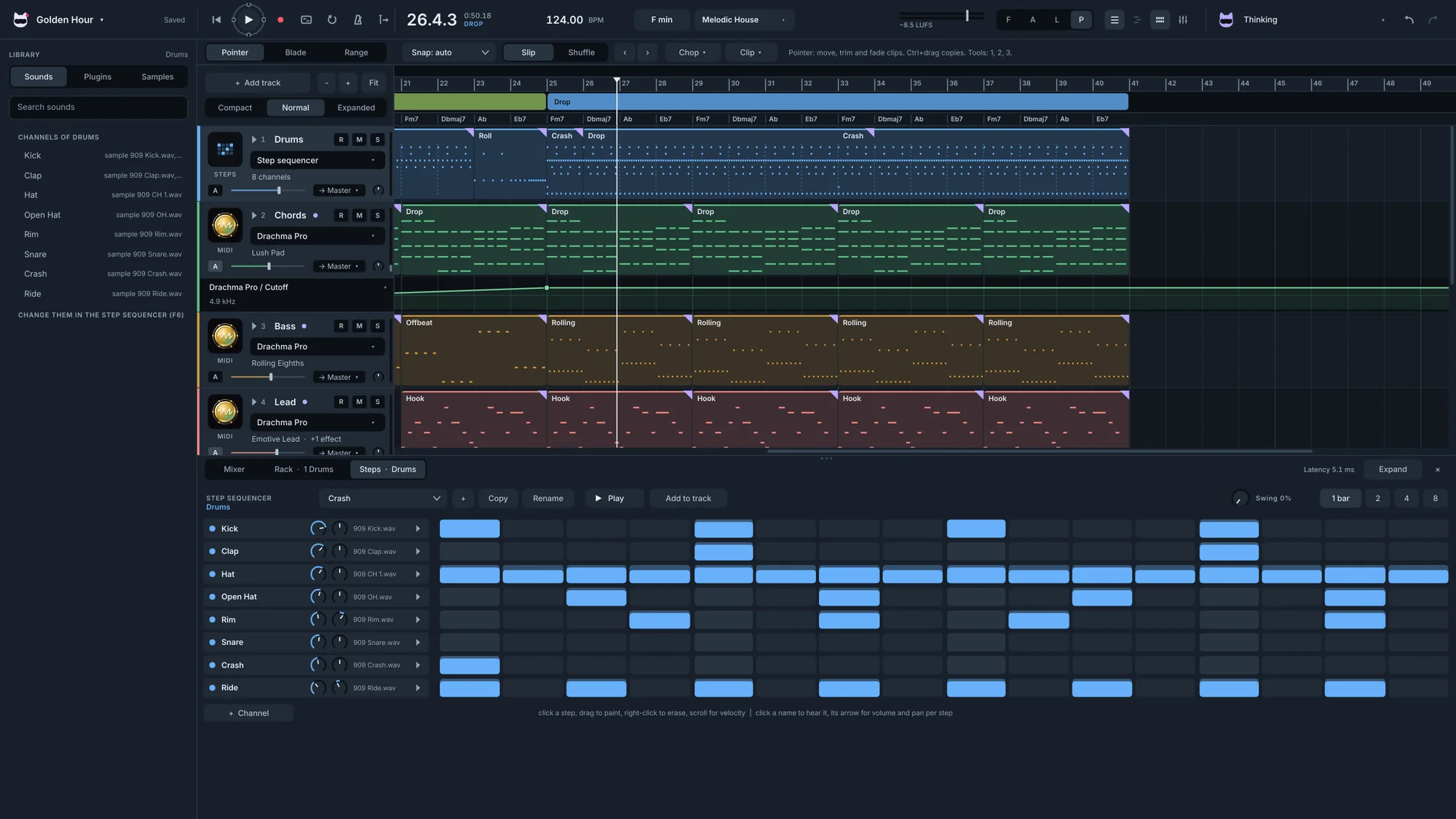
The step sequencer on top and the song below, for starting from a beat.
Ask for a song. Watch it come together, track by track. Learn why every move works.
Ask for a whole song, one part or a change. The producer works in your project where you can see it, lists every step, and listens back to check the result.
Ask it to teach you. The producer works one small step at a time and waits for you: what it's doing, and why it's doing it. Press Next when you're ready, or Finish to let it run.
Shown in the clip-first layout with the Colour look.
Switch layouts with one key. Your song stays exactly where it is.
The step sequencer on top and the song below, for starting from a beat.
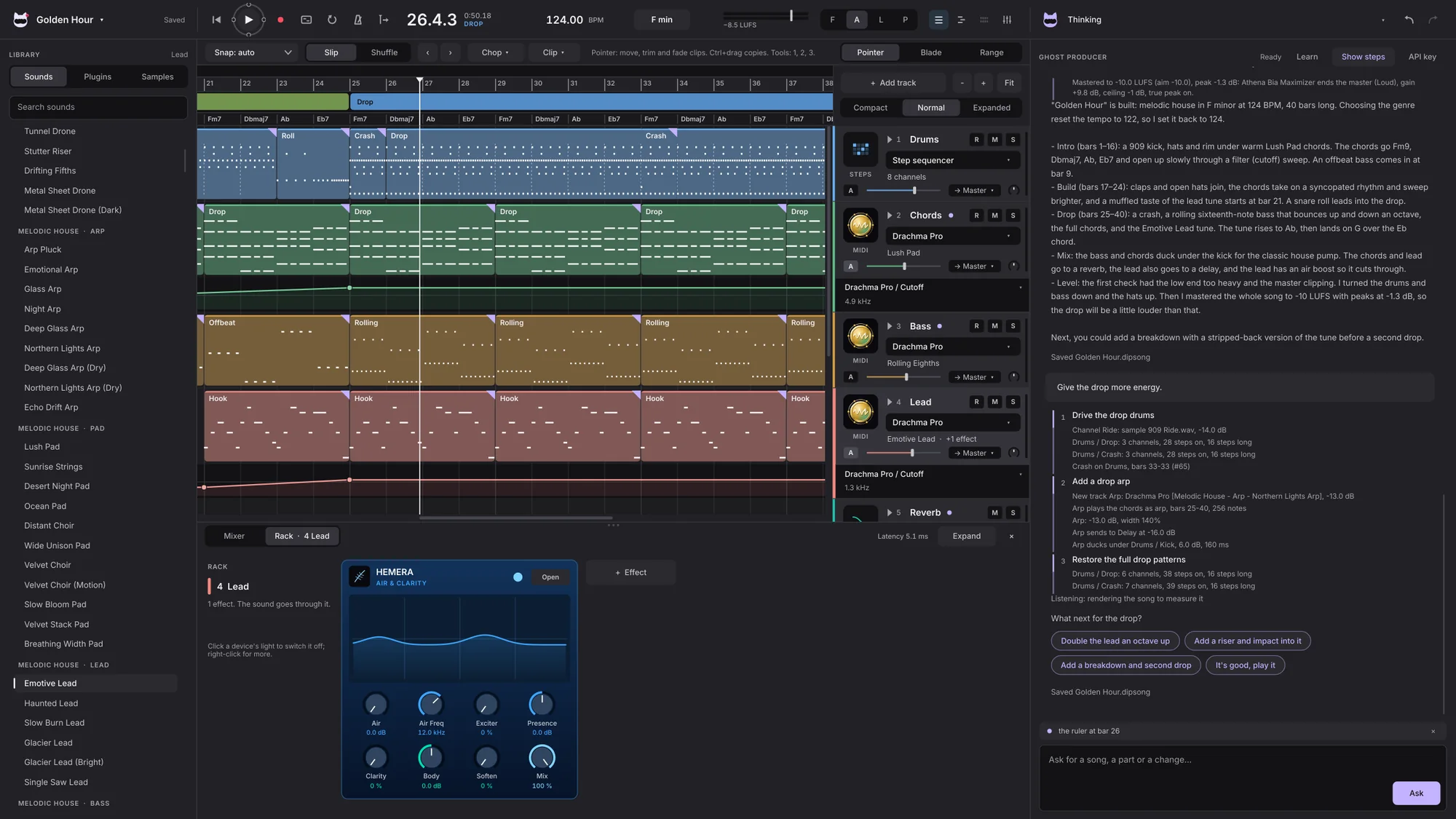
Track headers on the right, a rack of devices and a colourful look, for building from parts and loops.
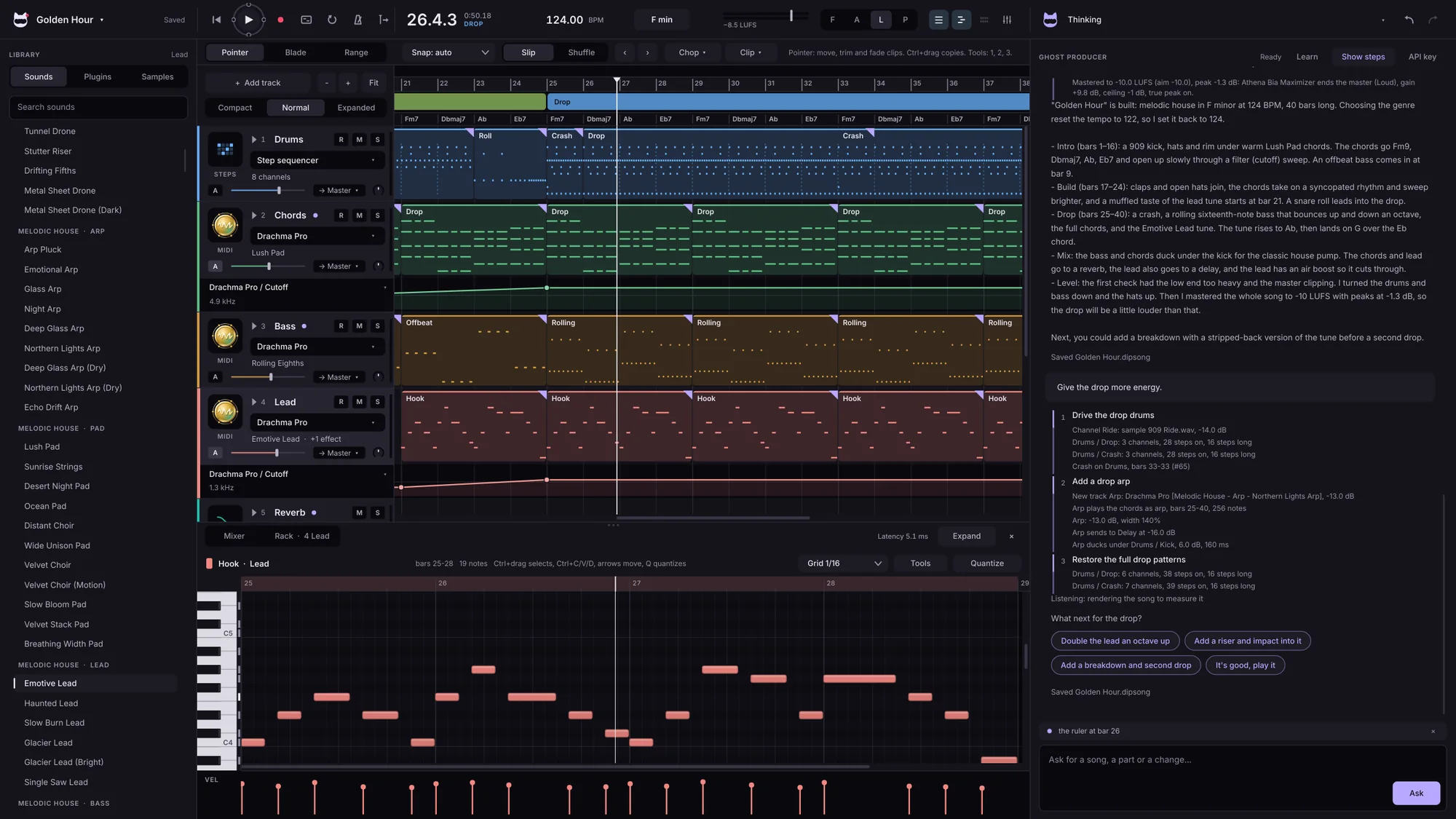
Tracks across the middle with the editor below: the layout most producers grew up on.
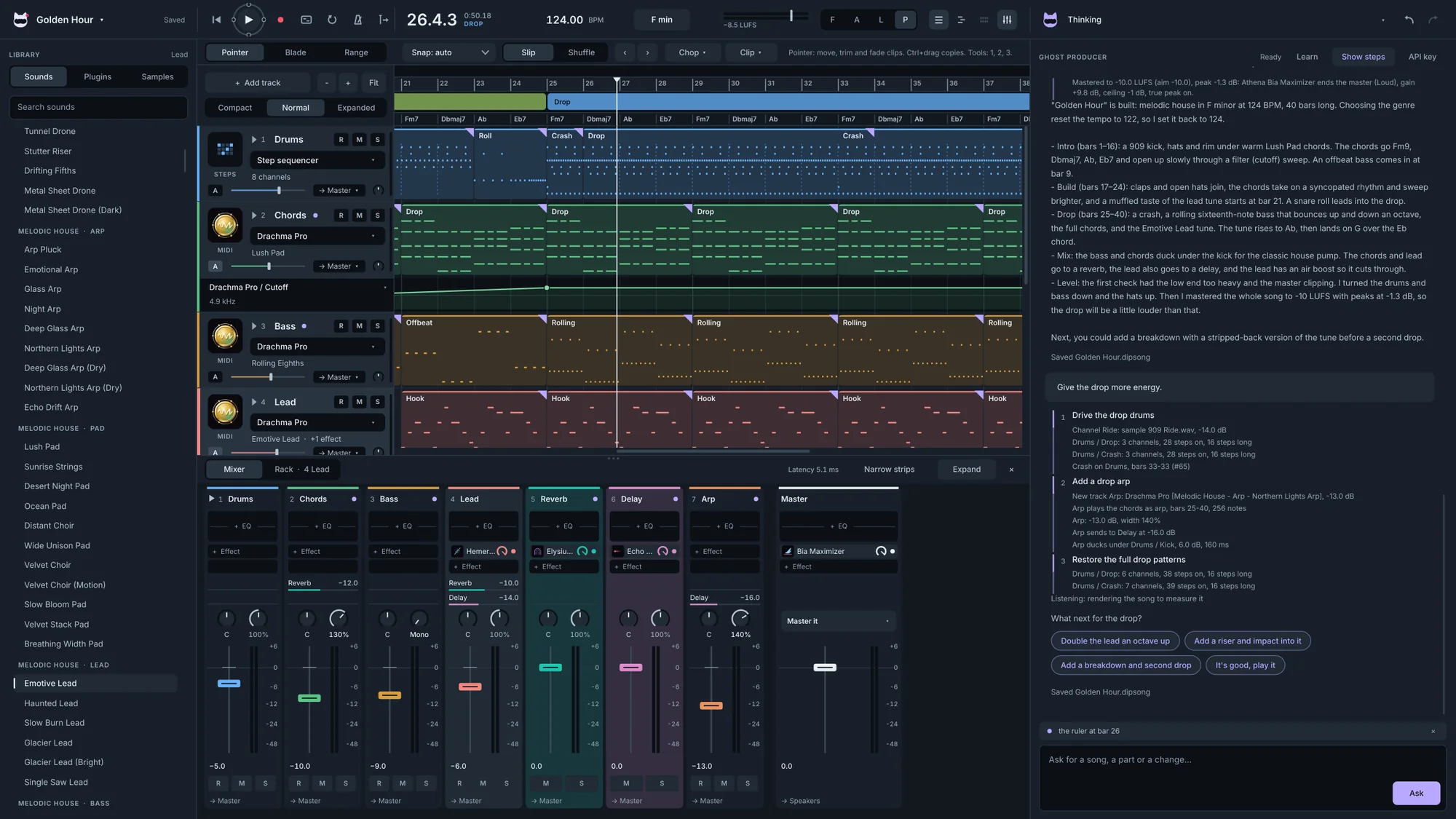
The mixer up front, for balancing, effects and finishing a track.
Everything from first idea to finished master, with 47 of our instruments and effects inside.
Step sequencer with volume and pan for every step, a piano roll with MIDI tools, a chord lane and chord players. Inspire's ideas in 40 genres are built in.
Audio tracks, recording with a count-in, and a clip editor for pitch and tape effects.
Sends, groups and ducking, delay compensation, and the Athena effects on every channel.
A mastering assistant that aims for the loudness you choose, then WAV, FLAC or OGG, or stems.
Genre starters open a song already set up: sounds, tempo and a first idea.
Dark and light themes, track sizes, MIDI learn and A/B on every plugin.
Free to start. One price to own.
Make a whole beat, for good.
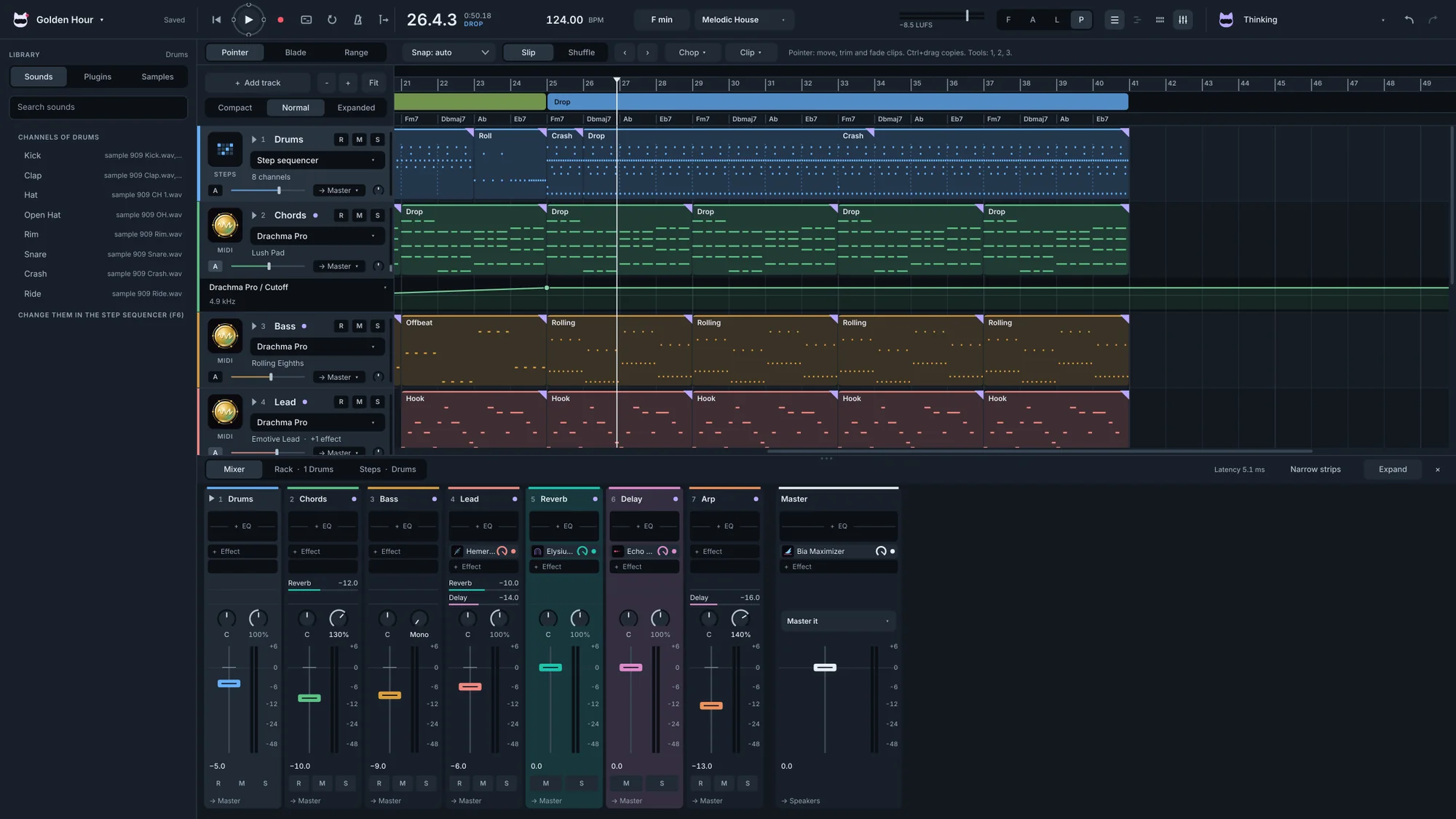
The full studio, with almost every plugin inside.
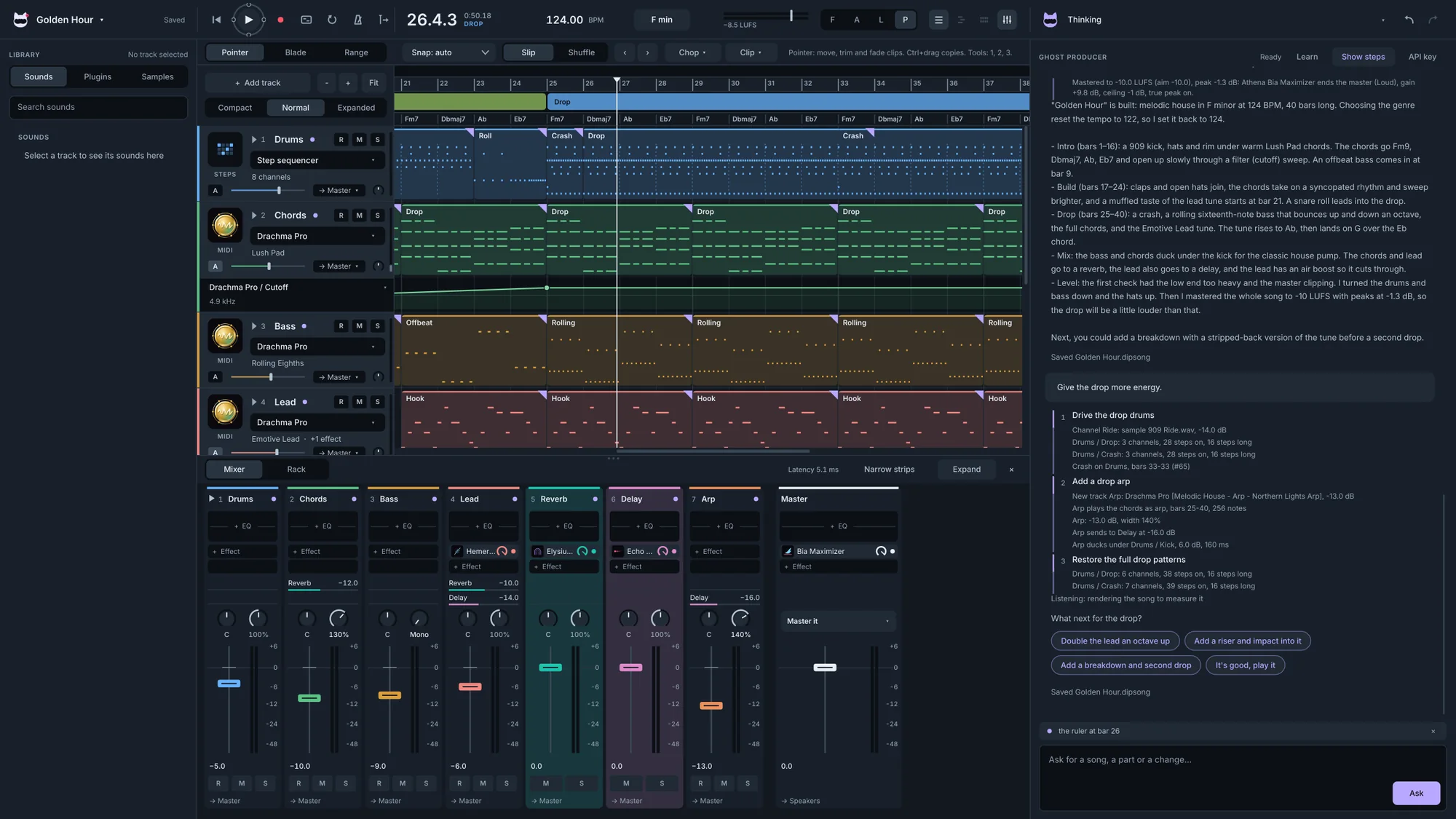
The producer, ready to go. No key needed.
Studio Pro AI uses our AI credits, so there's nothing to set up. The Studio Pro edition has 10 credits to try it, and Studio Lite has no AI.
Yes. One switch turns every AI feature off, and the rest of the studio works exactly the same.
Windows 10 and 11 (64-bit) at launch. The Mac version follows in spring 2027.
Yes. Editions are one-time purchases with free updates for all of version 1. Only the AI credits are ongoing.
Yes. Studio Pro loads VST3 instruments and effects alongside ours.
Join the list and we'll email you the day Studio Pro opens, with the launch price and a founder code.